27
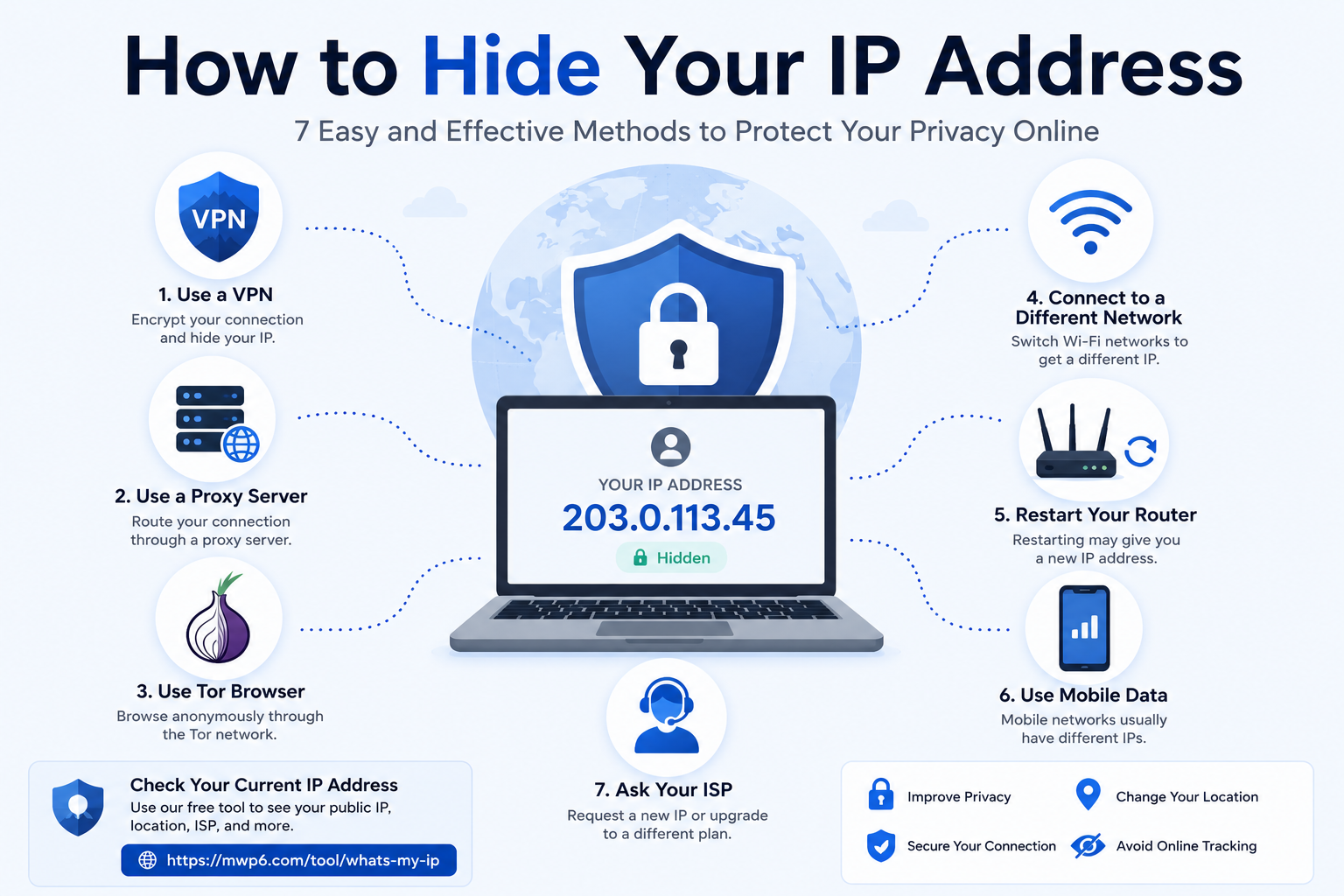
How to Hide Your IP Address: 7 Easy and Effective Methods
Learn how to hide your IP address using a VPN, proxy server, Tor Browser, or other methods. Discover why people hide their IP, how each method works, and how to verify your new public IP address.
Introduction
Every time you connect to the internet, your device uses a public IP address that identifies your network. Websites, online services, and apps use this address to communicate with your device. While your IP address doesn't reveal your exact home address, it can expose your approximate location, Internet Service Provider (ISP), and other network information.
Many people choose to hide their IP address to improve privacy, access region-restricted content, secure their internet connection, or reduce online tracking.
Before hiding your IP, it's useful to know what your current public IP address is. You can check it instantly using our free What Is My IP Address tool:
https://mwp6.com/tool/whats-my-ip
Why Would You Want to Hide Your IP Address?
There are many legitimate reasons to hide your IP address.
Common examples include:
- Improving online privacy
- Preventing websites from identifying your approximate location
- Using public Wi-Fi more securely
- Accessing geo-restricted content
- Testing websites from different locations
- Reducing online tracking
- Protecting your identity while browsing
For most users, privacy and security are the main reasons.
Does Hiding Your IP Make You Anonymous?
Not completely.
Hiding your IP address makes it more difficult for websites and online services to identify your real internet connection, but it does not make you completely anonymous.
Your browsing activity may still be linked through:
- Cookies
- Browser fingerprinting
- Logged-in accounts
- Device identifiers
For better privacy, hiding your IP should be combined with good browsing habits.
Method 1: Use a VPN
A Virtual Private Network (VPN) is the easiest and most popular way to hide your IP address.
Instead of connecting directly to websites, your traffic is encrypted and routed through a VPN server.
Benefits include:
- Hides your real IP
- Encrypts internet traffic
- Improves privacy
- Allows changing your virtual location
This is the best option for most users.
Method 2: Use a Proxy Server
A proxy server works as an intermediary between your device and the websites you visit.
It replaces your IP address with another one.
Unlike VPNs, many proxy servers do not encrypt your internet traffic, making them less secure but suitable for simple tasks.
Method 3: Use the Tor Browser
The Tor Browser routes your internet traffic through multiple volunteer-operated servers around the world.
This makes it extremely difficult to trace your real IP address.
Tor offers excellent privacy but may reduce browsing speed because your connection passes through several encrypted relays.
Method 4: Connect to a Different Network
Your public IP address is assigned to your internet connection.
Switching to another connection—such as mobile data, another Wi-Fi network, or a different ISP—will usually give you a different public IP address.
Method 5: Restart Your Router
Many Internet Service Providers assign dynamic IP addresses.
Restarting your router may cause your ISP to assign a new public IP address.
However, this does not work with all providers, especially those using static IP addresses.
Method 6: Use Mobile Data
If you're connected to home Wi-Fi, switching to your mobile network will typically change your public IP address because you're using a different network operated by your mobile carrier.
Method 7: Ask Your ISP
Some Internet Service Providers allow customers to request a new IP address or upgrade to a static IP service.
Availability depends on your provider and subscription plan.
How Can You Check If Your IP Has Changed?
After using any of these methods, simply check your public IP address again.
Our free What Is My IP Address tool instantly displays:
- Public IPv4 or IPv6 address
- ISP
- ASN
- Approximate location
- Timezone
- Geographic coordinates
- Network information
Compare the results before and after changing your connection.
Check your IP here:
https://mwp6.com/tool/whats-my-ip
Frequently Asked Questions
Is hiding my IP address legal?
Yes.
In most countries, using a VPN, proxy server, or other privacy tools is completely legal. However, you should always follow local laws and the terms of service of the websites you use.
Can websites still identify me?
Yes.
Even if your IP address is hidden, websites may still identify you using browser cookies, account logins, or browser fingerprinting.
Is a VPN better than a proxy?
For most users, yes.
VPNs encrypt your internet traffic in addition to hiding your IP address, while most proxies simply replace your IP without encryption.
Will hiding my IP improve security?
It can improve your privacy and reduce exposure, but it should not replace other security practices such as using strong passwords, enabling two-factor authentication, and keeping your software up to date.
Can I hide my IP for free?
Yes.
Some VPNs and proxy services offer free plans, although they often come with limitations such as slower speeds, fewer server locations, or data caps.
Conclusion
Hiding your IP address is one of the simplest ways to improve your online privacy and reduce tracking. Whether you choose a VPN, proxy, Tor Browser, or simply switch networks, understanding how your IP works helps you make informed decisions about your internet security.
Before and after using any method, it's a good idea to verify your public IP address to confirm that it has changed.
Use our free What Is My IP Address tool to check your current IP address instantly:
👉 https://mwp6.com/tool/whats-my-ip
Contact
Missing something?
Feel free to request missing tools or give some feedback using our contact form.
Contact Us