15
Image to Base64: Convert Images for HTML, CSS, and JSON
Image to Base64 helps you embed images directly into code. It is widely used by developers and designers. It works best for small images and inline assets. It simplifies HTML, CSS, and API workflows. Use it carefully to avoid unnecessary file size growth.
Image to Base64 is a common tool used by developers and designers.
You use it when you need to embed images directly into code without relying on external image files.
This approach simplifies deployment, improves portability, and helps in specific technical scenarios.
What Is Base64
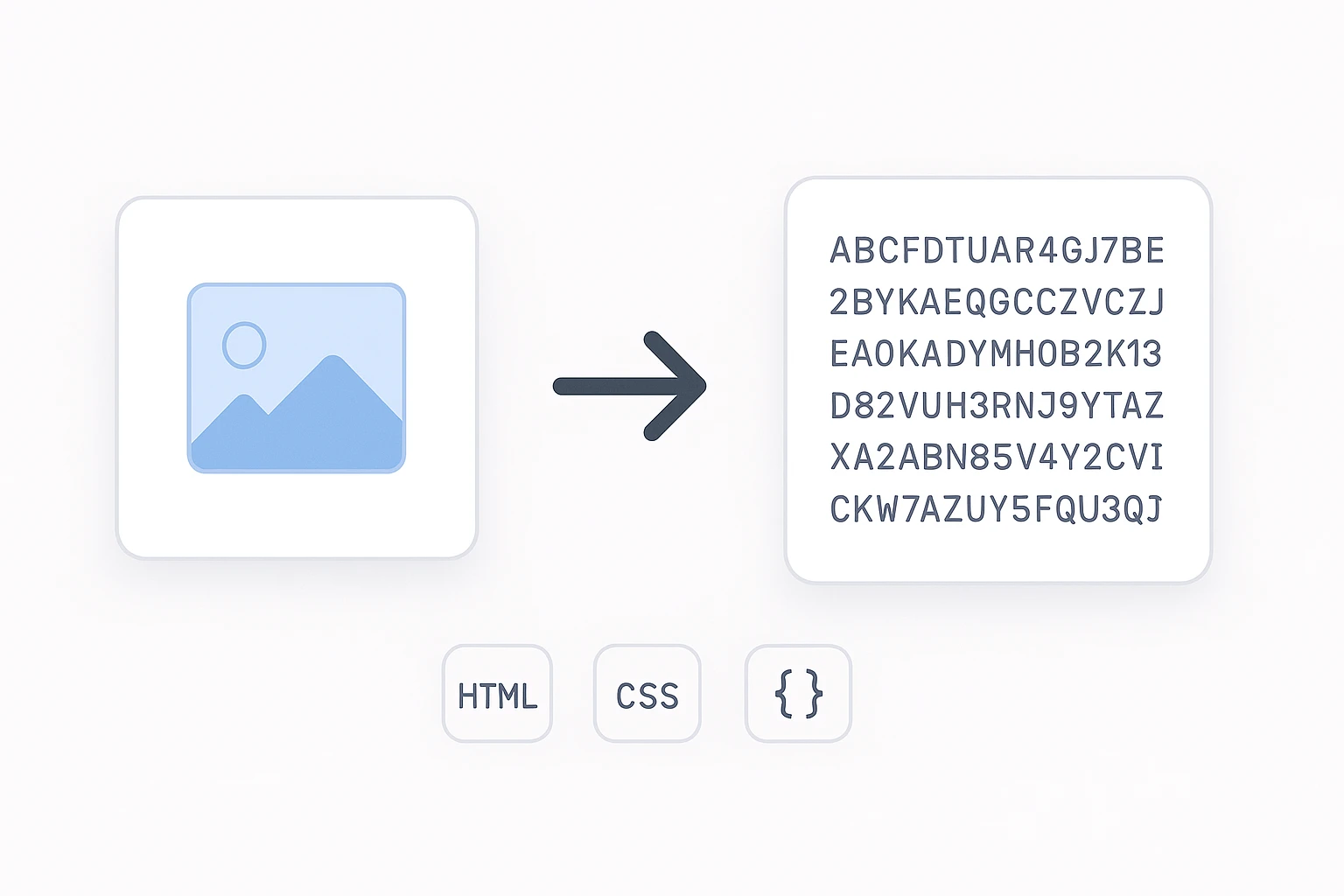
Base64 is an encoding method.
It converts binary data, such as images, into plain text.
The output uses letters, numbers, and symbols that are safe to include in HTML, CSS, and JSON.
An image encoded in Base64 becomes a long text string instead of a separate file.
Why Developers Use Base64 for Images
You use Base64 when file-based images cause friction.
Common reasons:
You want to embed images directly inside HTML
You want to include images inside CSS files
You need to send images through JSON APIs
You want a single self-contained file
You want to avoid extra HTTP requests
This is especially useful for icons, small UI images, and inline assets.
Image to Base64 in HTML
You can embed an image directly in an <img> tag.
Example:
<img src="data:image/png;base64,iVBORw0KGgoAAAANSUhEUgAA..." />
No image file is required.
The browser decodes and displays the image instantly.
Image to Base64 in CSS
You can use Base64 images as background images.
Example:
.icon {
  background-image: url("data:image/svg+xml;base64,PHN2ZyB4bWxucz0iaHR0cDovL3d3dy53My5vcmcvMjAwMC9zdmci...");
}
This works well for icons, logos, and small UI elements.
Sending Images Inside JSON
Base64 is often used in APIs.
Instead of uploading a file, you send a string.
Example:
{
  "username": "john",
  "avatar": "data:image/jpeg;base64,/9j/4AAQSkZJRgABAQAAAQABAAD..."
}
This is useful when working with mobile apps, REST APIs, and serverless endpoints.
When Using Base64 Is a Good Idea
Base64 works best when images are small.
Good use cases:
Icons under 5 KB
Logos used once per page
Email templates
Single-file demos
Offline HTML files
In these cases, the convenience outweighs the cost.
When Base64 Becomes a Problem
Base64 increases file size by about 33 percent.
That means:
A 30 KB image becomes about 40 KB
Large images slow down page loading
CSS files grow quickly
Caching becomes less effective
Avoid Base64 for:
Large photos
Background images used across many pages
Image-heavy websites
Image Size Comparison Example
Before conversion:
PNG image size: 12 KB
Loaded as a separate file
After Base64 conversion:
Base64 string size: ~16 KB
Embedded directly in HTML or CSS
Result:
Fewer HTTP requests
Larger HTML or CSS file
The tradeoff depends on your use case.
Performance Comparison
External image files:
Better caching
Smaller HTML files
More HTTP requests
Base64 images:
No extra requests
Larger HTML or CSS
Harder to cache individually
For modern websites, Base64 is best used selectively, not everywhere.
Ready-to-Use HTML Conversion Line
If you already have a Base64 string, use this format:
<img src="data:image/png;base64,PASTE_BASE64_HERE" alt="Embedded Image">
Replace the text with your encoded image and you are done.
Try the Image to Base64 Tool Now
You can convert your image instantly.
Upload a PNG, JPG, or WebP image.
Get a clean Base64 string ready for HTML, CSS, or JSON.
Test it now and copy the result directly into your code.
Contact
Missing something?
Feel free to request missing tools or give some feedback using our contact form.
Contact Us