27
What Is an IP Address? A Complete Beginner's Guide
Learn what an IP address is, how it works, the differences between public and private IP addresses, IPv4 vs IPv6, and why IP addresses are essential for internet communication. Also learn how to check your current public IP address instantly.
What Is an IP Address?
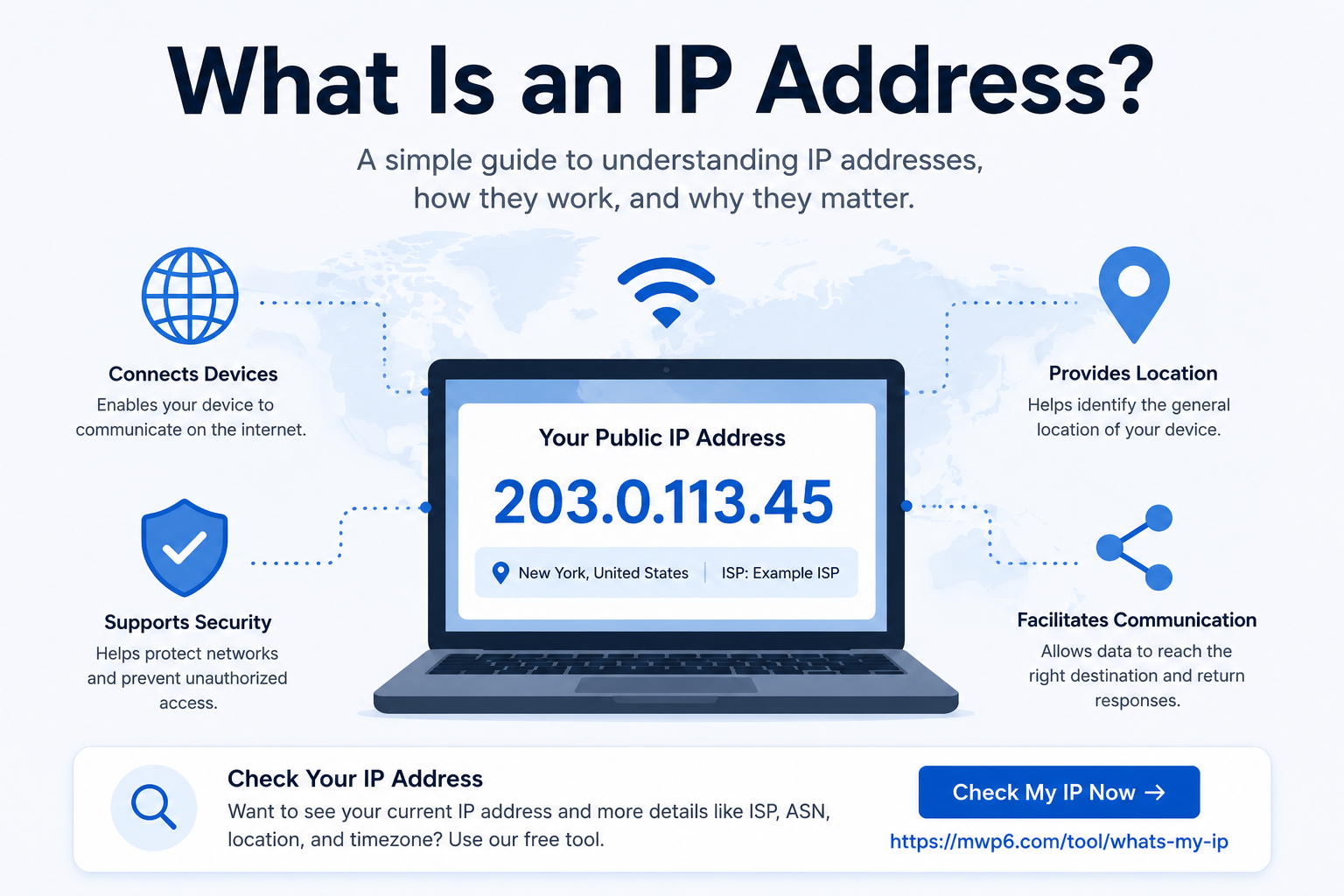
An IP address (Internet Protocol address) is a unique numerical identifier assigned to every device connected to the internet or a local network. Just as every house has a postal address, every internet-connected device uses an IP address so data can be delivered to the correct destination.
Without IP addresses, websites, apps, emails, online games, and streaming services would not know where to send or receive information.
If you simply want to see your current public IP address, you can use our free What Is My IP Address tool:
https://mwp6.com/tool/whats-my-ip
How Does an IP Address Work?
Whenever your device connects to the internet, your Internet Service Provider (ISP) assigns it a public IP address. This address acts as your device's identity on the internet.
For example, when you visit a website:
- Your browser sends a request.
- The request includes your public IP address.
- The website sends the requested data back to that IP address.
- Your browser displays the webpage.
This process happens in milliseconds every time you browse the web.
Types of IP Addresses
There are several types of IP addresses, each serving a different purpose.
Public IP Address
A public IP address is assigned by your Internet Service Provider and is visible on the internet. It allows websites, online services, and remote servers to communicate with your network.
You can instantly check your current public IP address using our free tool:
https://mwp6.com/tool/whats-my-ip
Private IP Address
A private IP address is used only within your local network, such as your home or office.
Common examples include:
- 192.168.1.1
- 192.168.0.1
- 10.0.0.1
Private IP addresses cannot be accessed directly from the internet.
IPv4
IPv4 is the most widely used version of the Internet Protocol.
It uses four groups of numbers separated by periods.
Example:
203.0.113.45
Although IPv4 is still the standard today, the number of available addresses is limited.
IPv6
IPv6 is the newer version of the Internet Protocol.
It was developed to provide a much larger pool of IP addresses and improve internet scalability.
Example:
2001:0db8:85a3:0000:0000:8a2e:0370:7334
As more devices connect to the internet, IPv6 adoption continues to grow.
Why Is an IP Address Important?
An IP address is essential for internet communication.
It allows you to:
- Browse websites
- Send and receive emails
- Join online games
- Connect to remote servers
- Use video calls
- Stream videos
- Access cloud services
- Secure networks using IP-based rules
Without IP addresses, devices would not know where to send or receive information.
Can Someone See My IP Address?
Yes.
Every website you visit can see your public IP address because it is required for internet communication.
However, your IP address alone does not reveal your exact home address. It typically provides only an approximate geographic location based on IP geolocation databases.
Does My IP Address Change?
It depends on your internet connection.
Most home internet users receive a dynamic IP address, which may change after reconnecting the router or after a period determined by the ISP.
Businesses and servers often use static IP addresses, which remain the same unless manually changed.
How Can I Check My IP Address?
The fastest method is to use an online IP lookup tool.
Our free What Is My IP Address tool instantly displays:
- Your public IPv4 or IPv6 address
- Approximate location
- Internet Service Provider (ISP)
- ASN
- Timezone
- Geographic coordinates
- Additional network information
Check your IP instantly here:
https://mwp6.com/tool/whats-my-ip
Frequently Asked Questions
Is an IP address unique?
Yes. At any given moment, your public IP address uniquely identifies your internet connection on the public internet.
Can two devices have the same IP address?
On the public internet, no.
Inside a private network, devices use private IP addresses that may be reused in different networks without conflict.
Can I hide my IP address?
Yes.
You can hide your public IP address by using a VPN, proxy server, or the Tor network.
Can someone hack me using my IP address?
Simply knowing your IP address does not allow someone to hack your device. However, it can sometimes be used to identify your approximate location or attempt attacks against poorly secured services.
Conclusion
An IP address is one of the fundamental technologies that make the internet work. Every device connected to the internet relies on an IP address to communicate with websites and online services.
Whether you're troubleshooting a network issue, configuring a remote server, or simply curious about your connection, knowing your public IP address is often the first step.
If you'd like to see your current public IP along with your ISP, ASN, location, and other network details, try our free tool:
👉 https://mwp6.com/tool/whats-my-ip
Contact
Missing something?
Feel free to request missing tools or give some feedback using our contact form.
Contact Us