27
What Is IPv4? Everything You Need to Know
Learn what IPv4 is, how it works, why it is still widely used, the differences between public and private IPv4 addresses, and how to check your current IPv4 address instantly.
What Is IPv4?
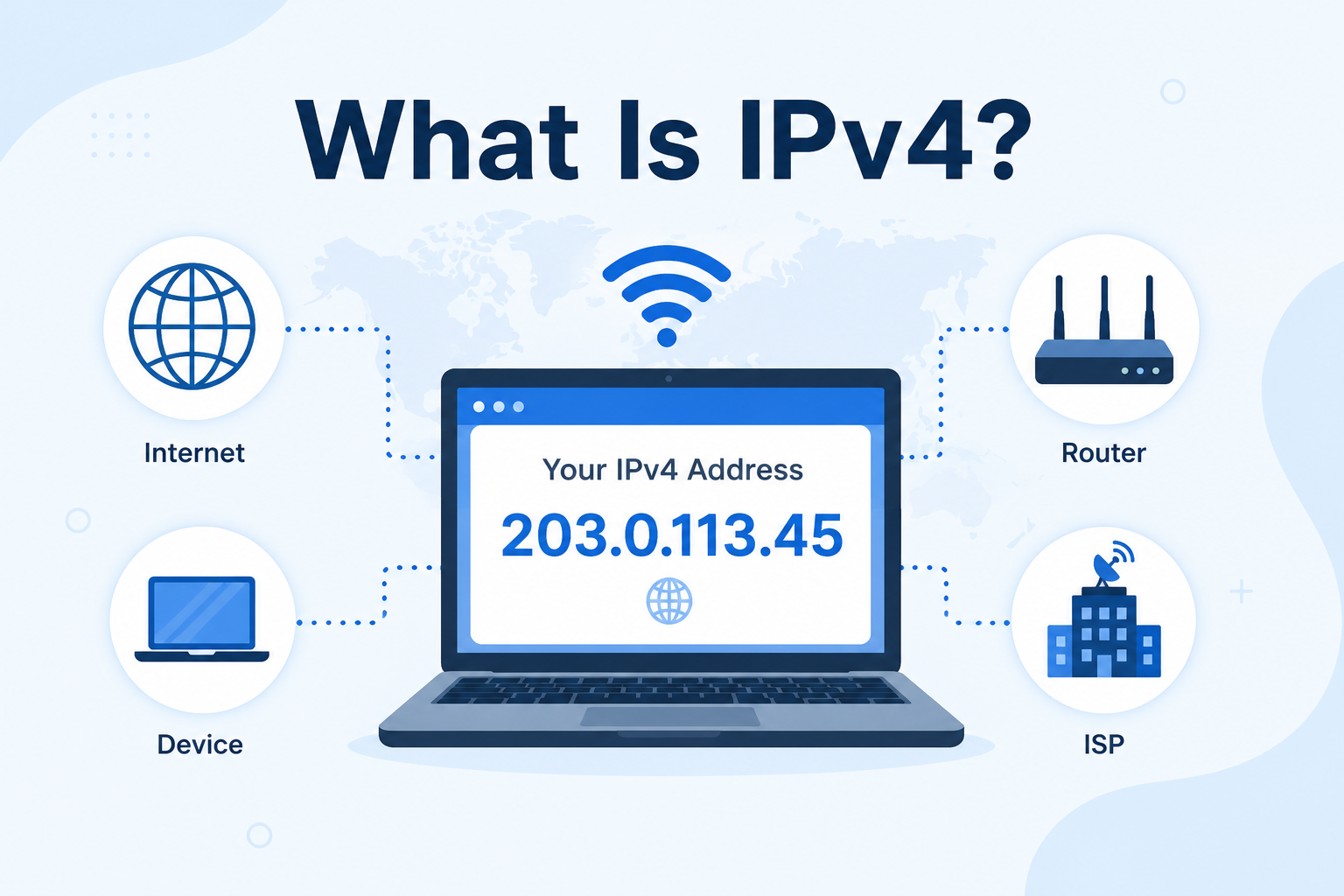
IPv4 (Internet Protocol version 4) is the fourth version of the Internet Protocol and the most widely used system for identifying devices connected to the internet. Every computer, smartphone, router, or server connected to a network is assigned an IP address, allowing data to travel between devices.
An IPv4 address consists of four numbers separated by periods, with each number ranging from 0 to 255.
For example:
203.0.113.45
Although IPv6 is gradually replacing it, IPv4 remains the standard protocol used by most websites, internet providers, and networking equipment today.
If you'd like to see your current IPv4 address instantly, use our free What Is My IP Address tool:
https://mwp6.com/tool/whats-my-ip
How Does IPv4 Work?
Whenever your device connects to the internet, your Internet Service Provider (ISP) assigns it an IPv4 address, either temporarily or permanently.
When you visit a website, your browser sends a request that includes your IPv4 address. The website then knows where to send the requested information, allowing the page to load correctly.
This process happens every time you browse the web, send an email, stream a video, or use an online application.
IPv4 Address Format
An IPv4 address contains four groups of numbers called octets.
Example:
192.168.1.1
Each octet ranges from:
0–255
The complete address contains 32 bits, making approximately 4.3 billion unique IPv4 addresses available.
Although this once seemed more than enough, the rapid growth of internet-connected devices has nearly exhausted the available IPv4 address space.
Public IPv4 vs Private IPv4
There are two common types of IPv4 addresses.
Public IPv4 Address
A public IPv4 address is assigned by your Internet Service Provider and is visible on the internet.
It allows websites, online services, and remote servers to communicate with your network.
You can check your current public IPv4 address here:
https://mwp6.com/tool/whats-my-ip
Private IPv4 Address
Private IPv4 addresses are used inside local networks such as homes, schools, and offices.
Common private address ranges include:
- 192.168.x.x
- 10.x.x.x
- 172.16.x.x to 172.31.x.x
Private IP addresses cannot be accessed directly from the public internet.
Why Is IPv4 Still Used?
Despite the introduction of IPv6, IPv4 remains the dominant protocol because:
- It is supported by almost every internet-connected device.
- Existing infrastructure is built around IPv4.
- Most routers, firewalls, and servers fully support it.
- Many networks still rely on IPv4 for compatibility with older systems.
For these reasons, IPv4 will likely remain in use for many years alongside IPv6.
What Are the Limitations of IPv4?
The biggest limitation of IPv4 is the limited number of available addresses.
With billions of smartphones, computers, smart TVs, gaming consoles, and IoT devices connecting to the internet, the available IPv4 address pool has become insufficient.
To overcome this limitation, technologies such as Network Address Translation (NAT) allow multiple devices to share a single public IPv4 address.
IPv6 was also introduced to provide a virtually unlimited number of addresses.
IPv4 vs IPv6
IPv4 uses 32-bit addresses, while IPv6 uses 128-bit addresses.
IPv6 offers:
- A vastly larger address space
- Better scalability
- Improved routing efficiency
- Native support for modern internet growth
However, IPv4 remains more widely deployed today, and most internet services continue to support both protocols.
How Can I Find My IPv4 Address?
The easiest method is to use an online IP lookup tool.
Our free What Is My IP Address tool instantly displays:
- Your public IPv4 address
- IPv6 address (if available)
- ISP
- ASN
- Location
- Timezone
- Geographic coordinates
- Other network information
Check your IPv4 address now:
https://mwp6.com/tool/whats-my-ip
Frequently Asked Questions
What does IPv4 stand for?
IPv4 stands for Internet Protocol version 4, the fourth version of the protocol used to identify devices on IP networks.
Is IPv4 still used?
Yes.
IPv4 remains the most widely used internet protocol, even though IPv6 adoption continues to grow.
Why is IPv4 running out of addresses?
IPv4 supports approximately 4.3 billion unique addresses, which are no longer enough for the growing number of internet-connected devices worldwide.
Can I have both IPv4 and IPv6?
Yes.
Many modern internet providers assign both IPv4 and IPv6 addresses to the same connection using a dual-stack configuration.
How do I know if I have IPv4?
Simply visit our What Is My IP Address tool to see whether your connection is using IPv4, IPv6, or both.
https://mwp6.com/tool/whats-my-ip
Conclusion
IPv4 remains the foundation of today's internet, allowing billions of devices to communicate every day. Although IPv6 is gradually expanding, IPv4 continues to power most websites, online services, and home networks around the world.
If you want to instantly check your current IPv4 address, along with your ISP, ASN, location, and other network details, try our free What Is My IP Address tool:
👉 https://mwp6.com/tool/whats-my-ip
Contact
Missing something?
Feel free to request missing tools or give some feedback using our contact form.
Contact Us