13
IP To Hostname Lookup: How It Works and When You Need It
An IP to Hostname lookup simplifies investigation, security checks, and daily server management. You rely on the presence of PTR records to reveal hostnames. When configured correctly, this lookup becomes a fast and reliable way to understand the domain behind any IP address.
Many users search for a simple way to discover the domain name behind an IP address. An IP to Hostname lookup solves this by checking DNS records to reveal the associated domain. You use it when you want quick insight into servers, emails, or security issues. This guide explains how the conversion happens, what a PTR record is, when the lookup works, and why it sometimes returns no results.
What IP to Hostname Really Does
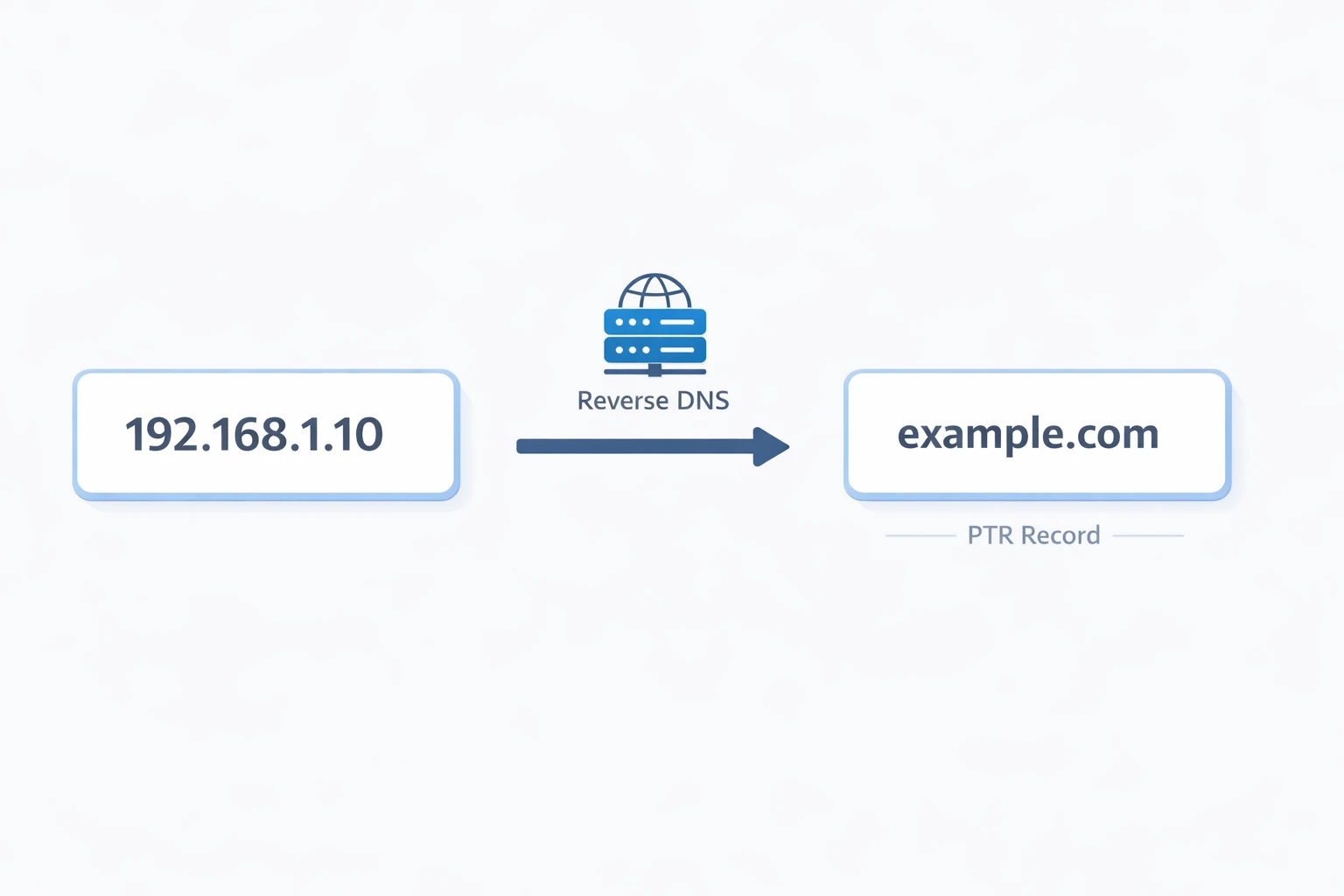
You convert an IP address into a readable domain name. Your device sends a reverse DNS query to find the pointer (PTR) record. If the server has a correctly configured PTR record, you see the hostname. If not, you get no result. You depend entirely on DNS settings controlled by the server owner.
How the Conversion Works Step by Step
You start with an IP address. The lookup tool reverses the IP order and adds the special domain suffix used for reverse DNS. DNS servers check whether a PTR record exists. If the record is present, you receive the mapped hostname. If not, you simply get no answer.
What a PTR Record Means
A PTR record links an IP address to a hostname. It is the opposite of an A record, which links a hostname to an IP. Server owners use PTR records for identity verification. Email services use them heavily to check if a server is legitimate. Security tools also check PTR records to identify suspicious traffic.
When You Need This Type of Lookup
You use IP to Hostname lookup in several real situations.
• Tracking servers
You want to know which domain is running behind an IP. This helps you during debugging or infrastructure work.
• Email investigation
You check the PTR record of a mail server to confirm the sender is valid. Many spam filters use PTR mismatches as a sign of risk.
• Security verification
You analyze unusual traffic by resolving hostnames from suspicious IPs. This gives you context about where the traffic came from.
• Log analysis
You review server logs and want readable hostnames instead of raw IP numbers.
Why You Sometimes Get No Result
You may see an empty output even with a correct IP for several reasons.
• The server owner did not configure a PTR record
Many hosts ignore reverse DNS setup.
• The IP belongs to cloud providers
Large providers often share IP pools without hostname mapping.
• Misconfigured DNS zones
If the reverse DNS zone is not set correctly, the lookup fails.
• Private or internal IP ranges
These addresses cannot resolve to real hostnames on the internet.
Examples of Practical Use Cases
You want to trace the source of an email. You copy the sending IP and run a reverse DNS lookup. If the hostname matches the mail provider, the email is more trustworthy.
You manage a web server. You monitor traffic spikes from unknown IPs. You run IP to Hostname lookups to identify whether the traffic comes from known bots, ISPs, or suspicious locations.
You check the authenticity of a remote connection. The PTR record reveals whether the connection originates from an expected domain.
You troubleshoot network issues. You want to confirm which service corresponds to an IP shown in your logs. The hostname gives you immediate clarity.
You can run a quick IP to Hostname lookup right now. Use the tool here to get instant results and inspect any IP address.
Try the tool now
Contact
Missing something?
Feel free to request missing tools or give some feedback using our contact form.
Contact Us